
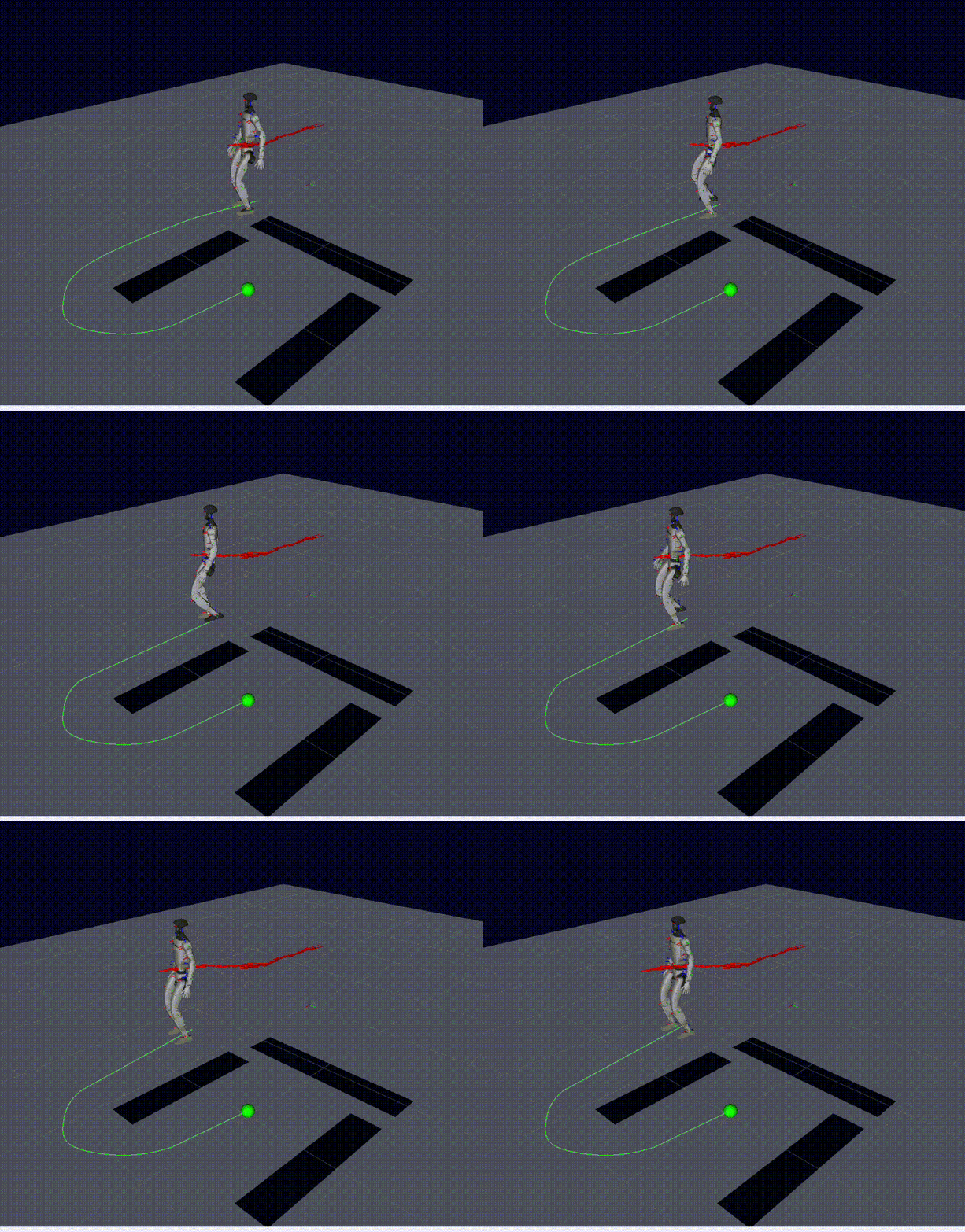
The Challenge
The goal was ambitious: take a Unitree G1 humanoid robot and make it navigate indoor spaces, perceive objects through its camera, and interact with people during live presentations.
This wasn't a research demo. It needed to work reliably during live demonstrations. That constraint shaped every technical decision.
System Architecture
The system runs on ROS, with three main subsystems working together:
- Navigation — LiDAR-based SLAM with checkpoint motion planning for structured traversal of indoor environments
- Perception — Intel RealSense D435i depth camera feeding into VLM (Gemini) and OpenAI APIs for real-time visual understanding
- Interaction — Hand-raise detection via VLM triggers an interactive Q&A mode where the robot responds to audience questions
Navigation: LiDAR + Checkpoint Planning
The navigation system uses LiDAR for localization and obstacle avoidance. Rather than fully autonomous exploration, I designed a checkpoint-based planning approach — the robot follows predefined waypoints but dynamically avoids obstacles between them.
This was a deliberate trade-off: in a demo setting, you want predictable movement patterns while still handling unexpected obstacles (chairs moved, people walking by).
Key decisions
- Used the standard ROS navigation stack with customized planner plugins
- Depth camera supplements LiDAR for close-range obstacle detection
- Recovery behaviors tuned for demo environments (small rooms, furniture)
Perception: Giving the Robot Eyes
The biggest breakthrough was integrating VLM (Gemini) and OpenAI APIs with the robot's onboard RealSense camera. The pipeline:
- RealSense D435i captures RGB frames at the robot's eye level
- Frames are sent to the VLM for scene understanding
- The VLM generates natural language descriptions of what the robot sees
- These descriptions are synthesized into speech for live presentation
The result: The robot can look at an object on a table, identify it, and say something like "I can see a blue coffee mug and a notebook on the desk."
Interaction: Hand-Raise Q&A
During presentations, audience members can raise their hand. The VLM detects this gesture from the camera feed and switches the robot into Q&A mode, where it can answer questions about what it sees or what it's doing.
This feature alone transformed the demo from a passive showcase into an interactive experience — and it's the thing that consistently gets the strongest reaction from audiences.
Lessons Learned
- Demo reliability beats benchmark accuracy. A system that works 95% of the time but fails unpredictably during live demos is worse than one that works 90% of the time but fails gracefully.
- Latency is the real enemy. VLM API calls add 1-3 seconds of latency. Masking this with natural robot movement and speech pacing was critical.
- ROS is the right choice for multi-sensor robot systems, but the learning curve for ML engineers coming from pure Python is real.
What's Next
We're continuing to expand the robot's capabilities — including more complex manipulation tasks and multi-turn conversation. The foundation is solid; now it's about building richer behaviors on top.